


Default
Door staff@engadget.com (Mariella Moon) - 30 Aug 2026
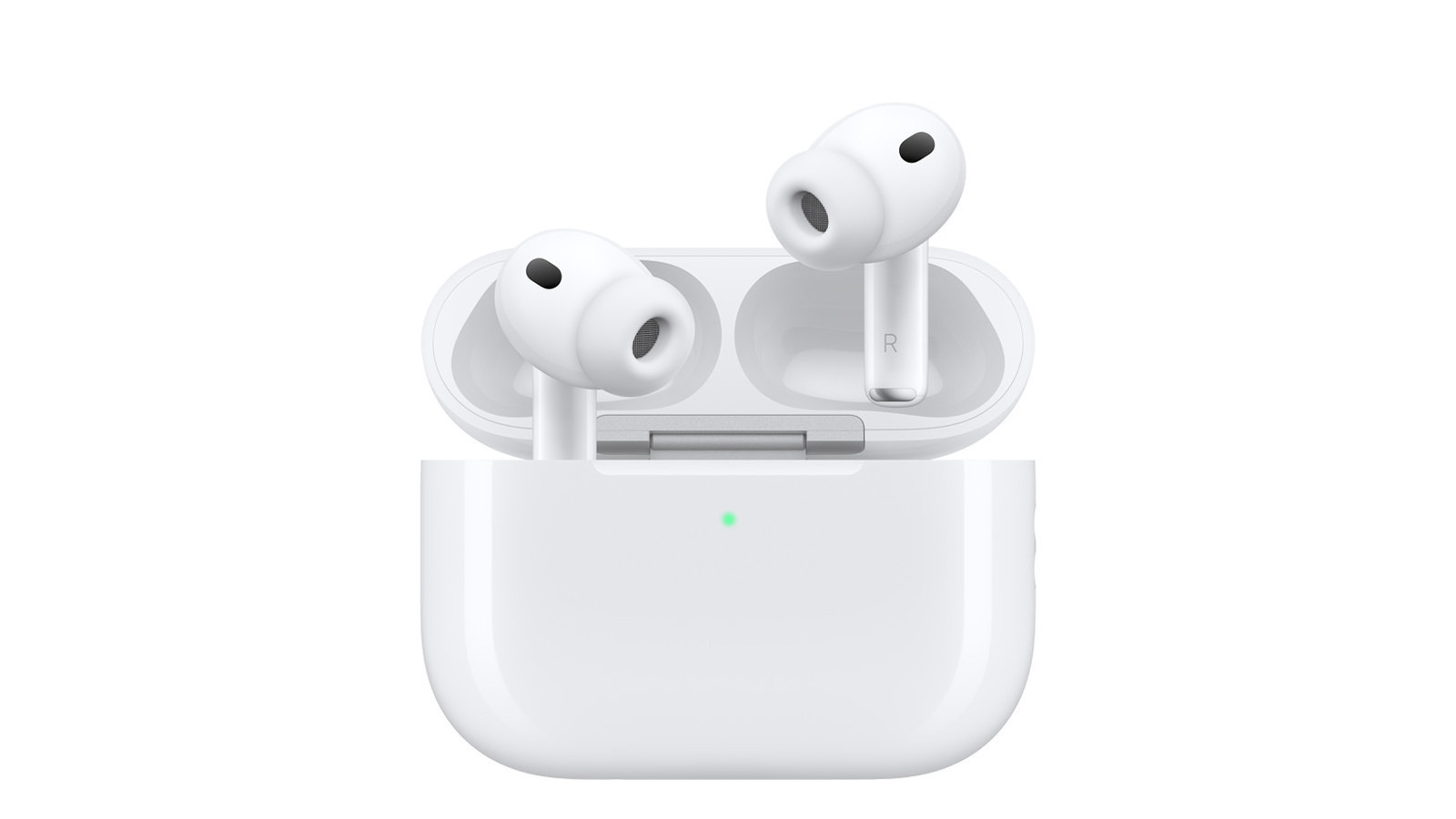
Apple is launching Custom EQ with iOS 27 when it arrives this fall, which will give you access to a native equalizer that lets you adjust low, mid and high-frequency tones. You can try it right now if you install the beta version of iOS 27, but take note that beta software could have bugs that the developer has yet to fix. You can apply to Apple's Beta Software Program if you're interested, but there are things you can do now to change the quality of your AirPods' audio without installing iOS 27 beta.
To amplify softer sounds and adjust frequencies, you can enable Headphone Accommodations on the AirPods 2, 3 and 4, all models of AirPods Max and all AirPods Pro models. Go to Settings > Accessibility > Hearing > Audio & Visual > Audio > Headphone Accommodations and toggle it on. You'll now see the new Audio Tuning section and its three options: Balanced Tone, which provides a boost over a range of frequencies; Vocal Range, which optimizes for vocal range and boosts middle frequencies; and Brightness, which boosts high frequencies. Choose one and adjust the slider below the section to boost sounds slightly, moderately or strongly.
Make sure to hit Play Sample below that section to listen to audio as you make adjustments. At the bottom, you can toggle on Media to apply the changes you made to music, movies, podcasts, audiobooks, Siri, voicemail and Live Listen, which transforms your iPhone or iPad into a microphone to help you hear conversations more clearly in loud environments. If you toggle on Phone, the custom settings will apply to phone calls, FaceTime calls and any third-party video call apps.
From the Audio & Visual menu in Accessibility, you'll also be able to toggle on Mono Audio to make the left and right channels play the same content. If you want to adjust the volume balance between the left and right channels to accommodate any hearing issue you may have, you can drag the Balance slider left or right.
To amplify softer sounds and adjust frequencies, you can enable Headphone Accommodations on the AirPods 2, 3 and 4, all models of AirPods Max and all AirPods Pro models. Go to Settings > Accessibility > Hearing > Audio & Visual > Audio > Headphone Accommodations and toggle it on. You'll now see the new Audio Tuning section and its three options: Balanced Tone, which provides a boost over a range of frequencies; Vocal Range, which optimizes for vocal range and boosts middle frequencies; and Brightness, which boosts high frequencies. Choose one and adjust the slider below the section to boost sounds slightly, moderately or strongly.
Make sure to hit Play Sample below that section to listen to audio as you make adjustments. At the bottom, you can toggle on Media to apply the changes you made to music, movies, podcasts, audiobooks, Siri, voicemail and Live Listen, which transforms your iPhone or iPad into a microphone to help you hear conversations more clearly in loud environments. If you toggle on Phone, the custom settings will apply to phone calls, FaceTime calls and any third-party video call apps.
From the Audio & Visual menu in Accessibility, you'll also be able to toggle on Mono Audio to make the left and right channels play the same content. If you want to adjust the volume balance between the left and right channels to accommodate any hearing issue you may have, you can drag the Balance slider left or right.