


Default
Door staff@engadget.com (Filipe Espósito) - 05 Oct 2026
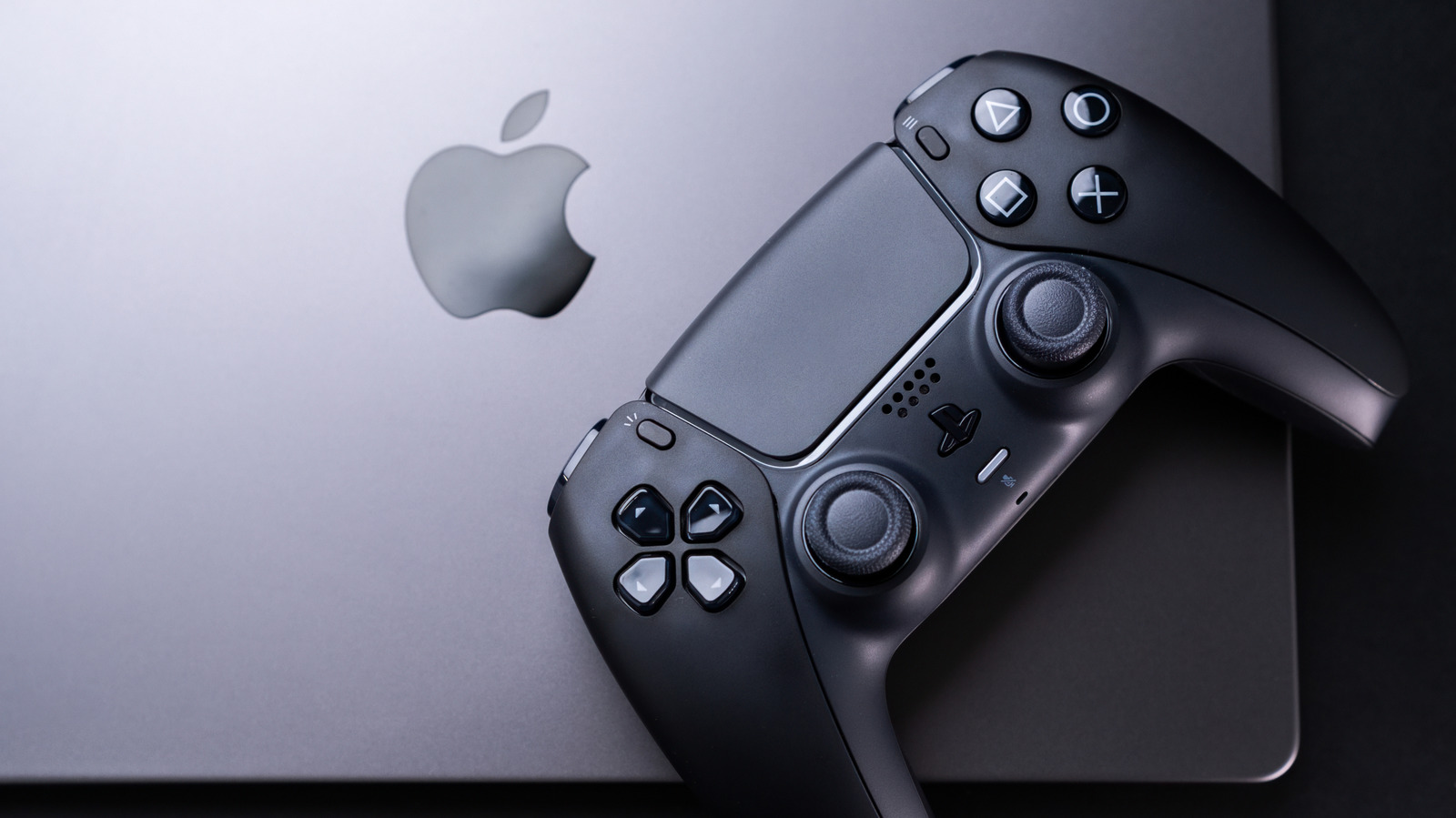
Thanks to Apple silicon, hardware is no longer a Mac's weak point. If you have one of the latest Macs, such as an M5 MacBook Pro, it will likely run most games well — even some big names you might not have expected. Apple lists Assassin's Creed Shadows, Dead Island 2 and Cyberpunk 2077 as some of the titles a Mac can run natively. The list of Mac-compatible games has been growing a lot, with more and more titles coming to macOS alongside their Windows versions.
And even if your favorite game doesn't have a macOS port, there may still be an alternative. Apple has created something called the Gaming Porting Toolkit, which helps developers port Windows games to macOS using native translations. While this tool is intended for developers, anyone can use it to run PC games on a Mac with just a few lines of code. I've been using it to run GTA V on my M4 Pro MacBook Pro, and the results are pretty solid; I can get a steady 60 frames per second with high graphics settings. It's not perfect and there are a few glitches here and there, but it works well overall for a game being translated in real-time.
If you're not sure which games your Mac can run, it's worth checking out MacGamingDB. This is a community-run website that provides compatibility details for thousands of titles, making it easy to quickly find out how your favorite game performs on a specific Mac model. It saves you a lot of time, since you don't have to download gigabytes of data just to find out the game doesn't work.
And even if your favorite game doesn't have a macOS port, there may still be an alternative. Apple has created something called the Gaming Porting Toolkit, which helps developers port Windows games to macOS using native translations. While this tool is intended for developers, anyone can use it to run PC games on a Mac with just a few lines of code. I've been using it to run GTA V on my M4 Pro MacBook Pro, and the results are pretty solid; I can get a steady 60 frames per second with high graphics settings. It's not perfect and there are a few glitches here and there, but it works well overall for a game being translated in real-time.
If you're not sure which games your Mac can run, it's worth checking out MacGamingDB. This is a community-run website that provides compatibility details for thousands of titles, making it easy to quickly find out how your favorite game performs on a specific Mac model. It saves you a lot of time, since you don't have to download gigabytes of data just to find out the game doesn't work.