


Default
Door staff@engadget.com (Ian Carlos Campbell) - 08 Oct 2026
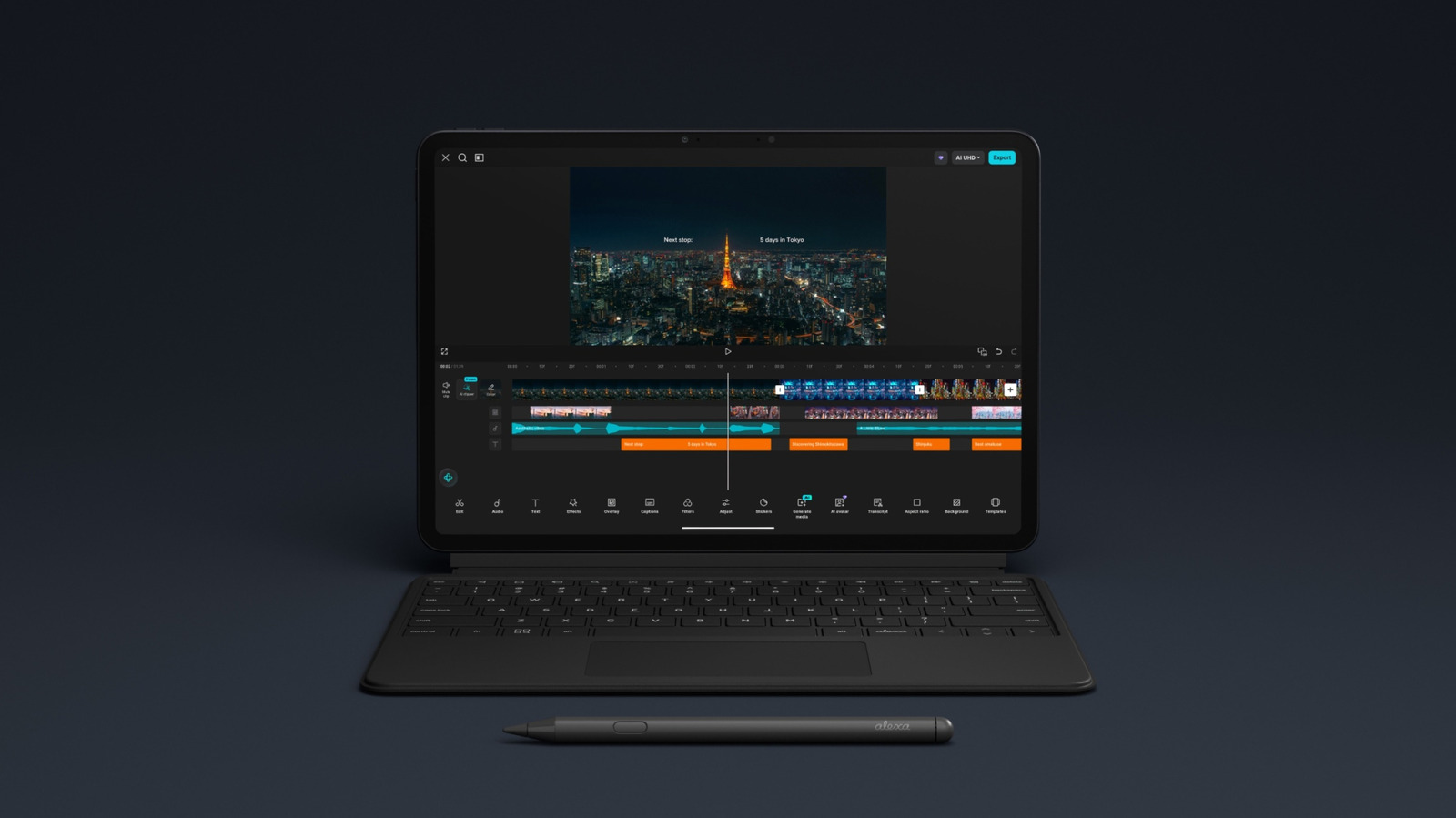
What the Alexa Tablet 12 Pro doesn't really offer is performance or power that's equivalent to a normal computer. The MediaTek Dimensity 8400 chip Amazon uses for the tablet was originally released in 2024 and primarily intended for smartphones. It's more than capable of the web browsing, video streaming and light productivity tasks Amazon imagines people will use Alexa Tablets for, but it's not a laptop SOC like the M5 chip in the iPad Pro.
Compared to Apple's tablets, the Alexa Tablet 12 Pro also has less memory to play with: the 128GB model only has 8GB of RAM and the 256GB model has 16GB of RAM. Apple's iPad Pros ship with 12GB as a minimum and 16GB on 1TB and 2TB models. Combined, those specs give the iPad more processing power for creative tasks like editing and rendering video, and potentially faster AI performance, too.
Android is also a potential limitation. While running the operating system means Alexa Tablets can download and run far more apps than they ever could with Fire OS and the Amazon Appstore, there are still fewer bespoke tablet apps on the Play Store than there are on Apple's App Store. That situation will continue to improve over time, but if your ability to make the Alexa Tablet 12 Pro your go-to computer hinges on a specific, niche app, the odds are better that it has a tablet version on the App Store.
If you're specifically interested in taking advantage of the services you get as an Amazon Prime subscriber, though, the Alexa Tablet 12 Pro can do things an iPad can't, both in terms of recommending content to read and watch, and integrating with its AI assistant Alexa+. The new Alexa Tablet offers a software tab in the top left corner of the home screen that continually recommends new things to try across Amazon's services and a Kindle mode that automatically turns off notifications and shifts the color of the tablet's screen when you open a book. Alexa+ can also be easily accessed with a swipe up from the bottom right corner of the screen. In terms of functionality, Siri AI is much closer to Alexa+ than it was pre-iPadOS 27, but Amazon's AI assistant still connects to a much larger ecosystem of smart home products, which makes it a better option if you already have a Ring doorbell or camera.
Compared to Apple's tablets, the Alexa Tablet 12 Pro also has less memory to play with: the 128GB model only has 8GB of RAM and the 256GB model has 16GB of RAM. Apple's iPad Pros ship with 12GB as a minimum and 16GB on 1TB and 2TB models. Combined, those specs give the iPad more processing power for creative tasks like editing and rendering video, and potentially faster AI performance, too.
Android is also a potential limitation. While running the operating system means Alexa Tablets can download and run far more apps than they ever could with Fire OS and the Amazon Appstore, there are still fewer bespoke tablet apps on the Play Store than there are on Apple's App Store. That situation will continue to improve over time, but if your ability to make the Alexa Tablet 12 Pro your go-to computer hinges on a specific, niche app, the odds are better that it has a tablet version on the App Store.
If you're specifically interested in taking advantage of the services you get as an Amazon Prime subscriber, though, the Alexa Tablet 12 Pro can do things an iPad can't, both in terms of recommending content to read and watch, and integrating with its AI assistant Alexa+. The new Alexa Tablet offers a software tab in the top left corner of the home screen that continually recommends new things to try across Amazon's services and a Kindle mode that automatically turns off notifications and shifts the color of the tablet's screen when you open a book. Alexa+ can also be easily accessed with a swipe up from the bottom right corner of the screen. In terms of functionality, Siri AI is much closer to Alexa+ than it was pre-iPadOS 27, but Amazon's AI assistant still connects to a much larger ecosystem of smart home products, which makes it a better option if you already have a Ring doorbell or camera.