


Default
Door staff@engadget.com (Jonny Evans) - 18 Oct 2026
If your phone has a SIM tray, it's not something you likely open often, but there are still reasons to. You may be switching to an MVNO to save money, or maybe you're temporarily swapping out your normal SIM for a cheaper local carrier when travelling. In some cases, your carrier will send you a replacement card if yours is damaged.
Most of today's smartphones let you switch SIMs with the phone on, so you don't need to switch your device off for the process. But there are modest benefits if you do, and for something so quick, it's better to be safe if you have a few minutes.
How to replace the SIM
We're talking about physical SIM cards, which you have to remove from your phone by hand. eSIM replacement should be as simple as using a QR code, carrier app or direct transfer between different smartphones. Most eSIM-compatible phones can store many eSIMS, though only a few can be active at once.
Physical SIM card replacement involves these steps:
Optionally, power down your phone or enable airplane mode.
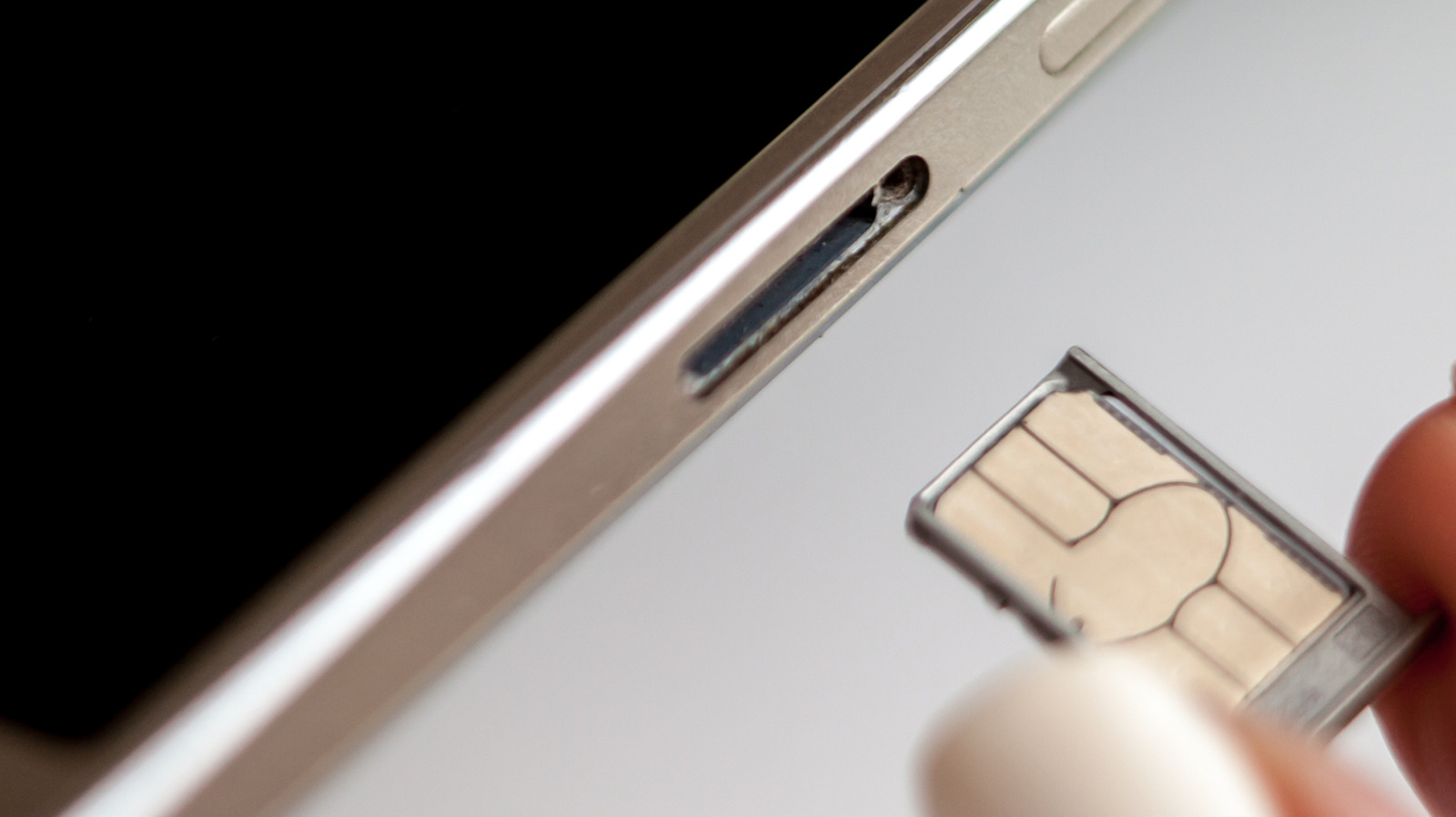
Pop the tray out, usually by gently pushing a paperclip or SIM ejector tool into the ejection pinhole on the phone.
Change the card, ensuring you use the correct card size.
Pop the tray back into place.
Enter your PIN or restart if the phone requests it.
If you have a dual-SIM phone that supports two physical cards, check which SIM you intend to swap before you begin.
While many argue eSIM is a superior technology because it requires no moving parts, others still appreciate the convenience and relative privacy true SIM cards provide. They make it easy to install and use over-the-counter pay-as-you-go SIM-based accounts, for example.
Most of today's smartphones let you switch SIMs with the phone on, so you don't need to switch your device off for the process. But there are modest benefits if you do, and for something so quick, it's better to be safe if you have a few minutes.
How to replace the SIM
We're talking about physical SIM cards, which you have to remove from your phone by hand. eSIM replacement should be as simple as using a QR code, carrier app or direct transfer between different smartphones. Most eSIM-compatible phones can store many eSIMS, though only a few can be active at once.
Physical SIM card replacement involves these steps:
Optionally, power down your phone or enable airplane mode.
Pop the tray out, usually by gently pushing a paperclip or SIM ejector tool into the ejection pinhole on the phone.
Change the card, ensuring you use the correct card size.
Pop the tray back into place.
Enter your PIN or restart if the phone requests it.
If you have a dual-SIM phone that supports two physical cards, check which SIM you intend to swap before you begin.
While many argue eSIM is a superior technology because it requires no moving parts, others still appreciate the convenience and relative privacy true SIM cards provide. They make it easy to install and use over-the-counter pay-as-you-go SIM-based accounts, for example.