


Default
Door staff@engadget.com (Erin Carson) - 18 Oct 2026
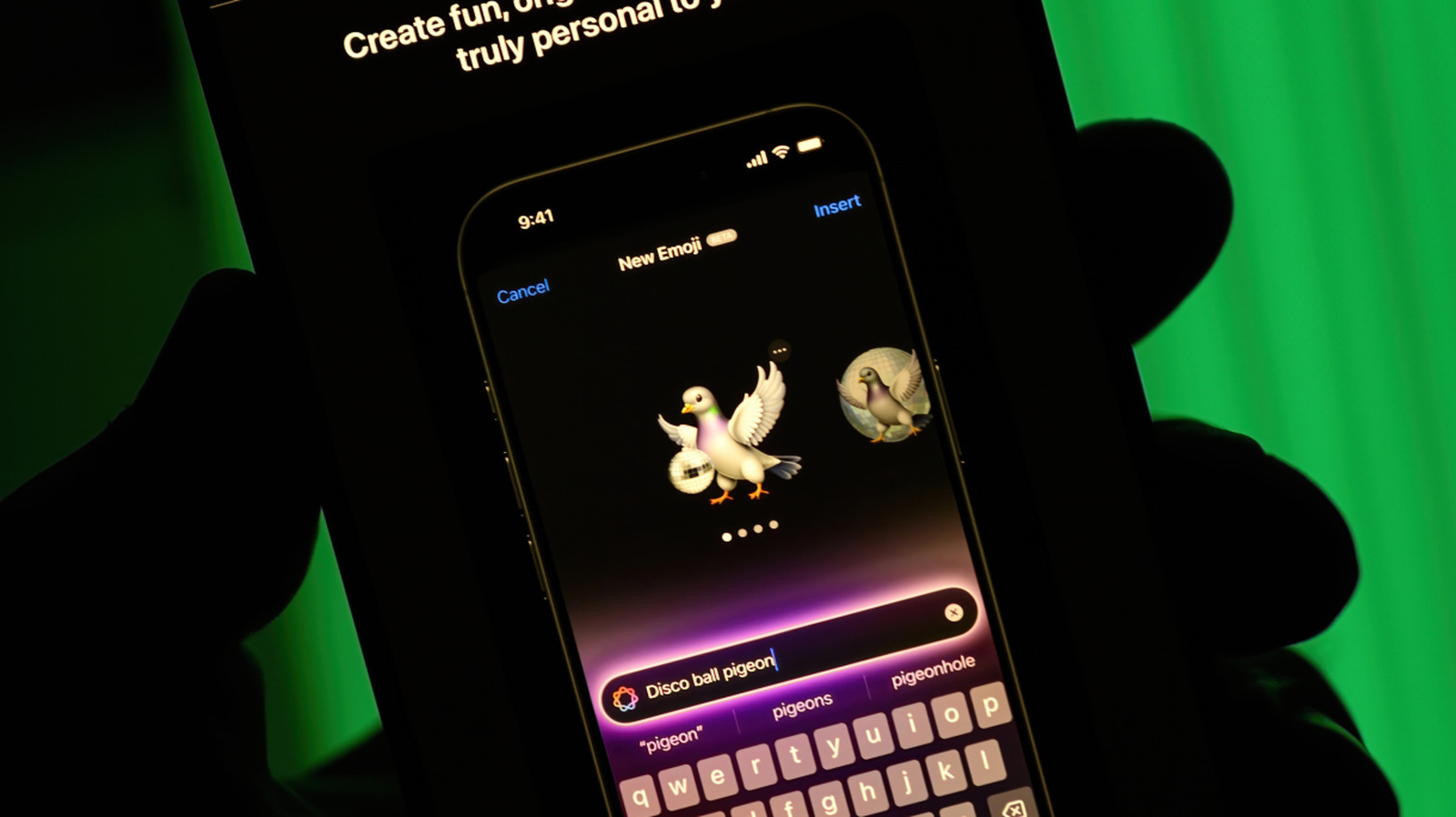
Apple initially launched Image Playground in December 2024. The app uses Apple Intelligence to generate images on your device that you can save, share or turn into Genmoji. Image Playground is integrated into several Apple apps, like Messages, Keynote and Freeform, so you don't have to stop what you're doing and open another app separately.
To use Image Playground, you'll need an iPhone 15 Pro or Pro Max, or an iPhone 16 or later with Apple Intelligence turned on. You can also use it on iPads with an M1 chip or later, or the iPad Mini (A17 Pro), as well as Macs with at least an M1 chip.
The latest version of Image Playground, available with iOS 27, brings a few updates to the app. Perhaps the most notable is that you can now describe what visual style you're looking for with natural language. Earlier versions of the app let you select a few specific (like illustration), but the new "Any Style" option lets you specify "virtually" any visual approach. Other updates include modifying what you've already created with touch and natural language. So, if you ask for an image of a cabin, you can use your finger to select the door, and prompt Playground to change it to red, or even move the selection around. The update also introduces the ability to make Contact Posters and wallpapers for your Lock Screen.
To use Image Playground, you'll need an iPhone 15 Pro or Pro Max, or an iPhone 16 or later with Apple Intelligence turned on. You can also use it on iPads with an M1 chip or later, or the iPad Mini (A17 Pro), as well as Macs with at least an M1 chip.
The latest version of Image Playground, available with iOS 27, brings a few updates to the app. Perhaps the most notable is that you can now describe what visual style you're looking for with natural language. Earlier versions of the app let you select a few specific (like illustration), but the new "Any Style" option lets you specify "virtually" any visual approach. Other updates include modifying what you've already created with touch and natural language. So, if you ask for an image of a cabin, you can use your finger to select the door, and prompt Playground to change it to red, or even move the selection around. The update also introduces the ability to make Contact Posters and wallpapers for your Lock Screen.