


Default
Door staff@engadget.com (Roger Fingas) - 20 Oct 2026
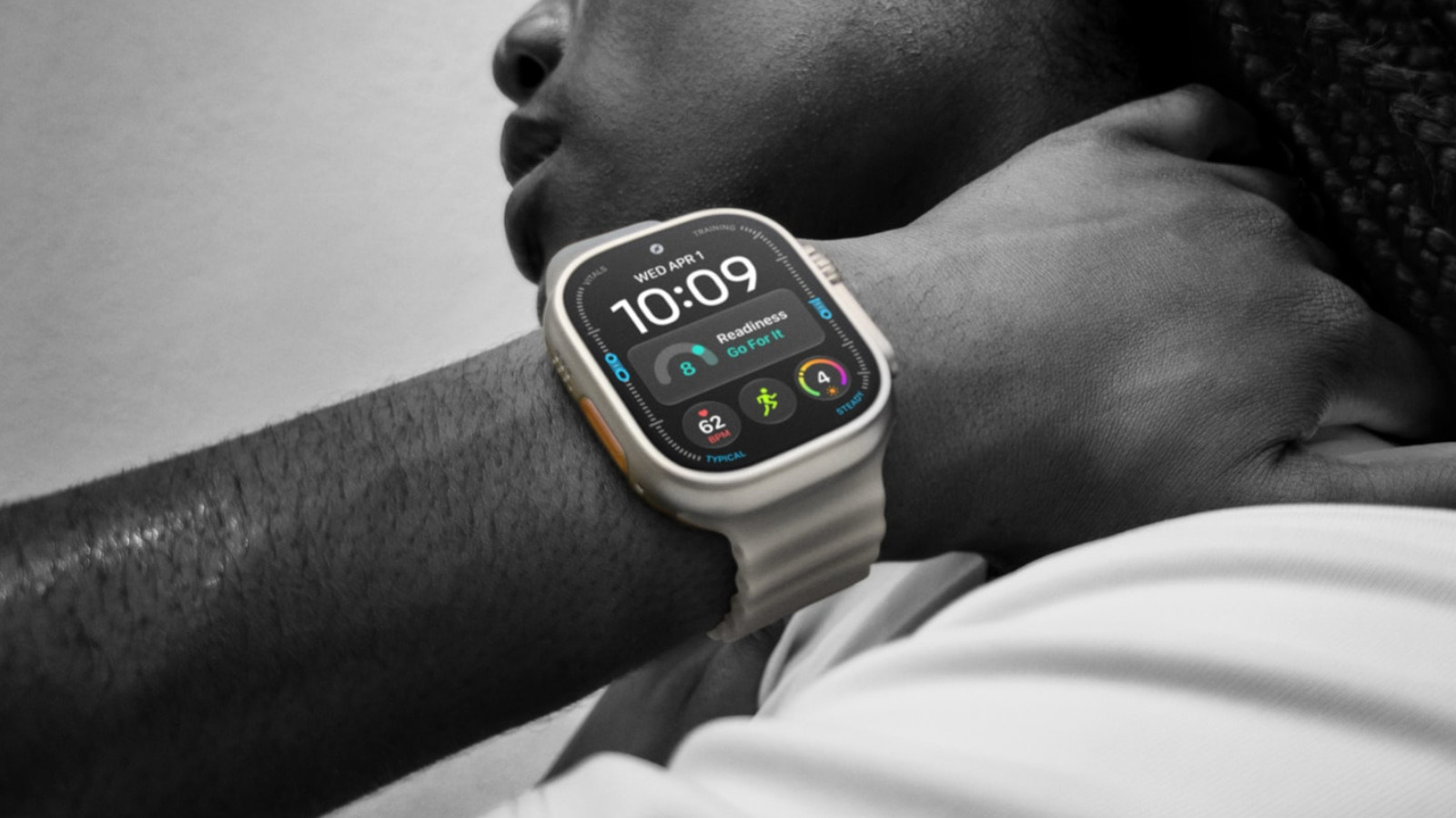
If you hold down the action button briefly, you'll see the Quick Switch menu appear. This lets you swap the button's single-tap function on the fly, which can be vital for some activities, particularly outdoor navigation. You'll see what we mean in a moment.
The most straightforward options are Flashlight, Voice Memo, Translate and Recognize Music. With these, you just hit the button once to start the function and again to stop it. As a side note, Recognize Music should be nearly instant on an Ultra 4, thanks to Apple's new Audio Intelligence capabilities, which also support automatic Shazam detection.
Slightly more complex are Workout, Stopwatch and Dive. With Stopwatch, pressing the button once starts timing, and pressing it again marks a lap. Press the action and side buttons simultaneously to pause. With Dive, a regular press begins your aquatic adventures, while pressing action and side simultaneously launches an app-specific secondary function.
Similarly, Workout will either open the Workout app or immediately launch into a particular activity. You can change this by going to Settings > Action Button. Mid-session, tapping the button performs a secondary function, such as marking a segment. To pause, press action and side together.
Special attention is due to the two navigation options, Waypoint and Backtrack. The first drops waypoints visible in the Compass app and the Waypoint watchface, although some waypoints are added automatically, such as your parked car and the last available cell signal. Backtrack is also linked to the Compass app, but tapping once starts recording a precise route you can retrace later. Hitting the action and side buttons simultaneously flips between the Record and Retrace modes.
The most straightforward options are Flashlight, Voice Memo, Translate and Recognize Music. With these, you just hit the button once to start the function and again to stop it. As a side note, Recognize Music should be nearly instant on an Ultra 4, thanks to Apple's new Audio Intelligence capabilities, which also support automatic Shazam detection.
Slightly more complex are Workout, Stopwatch and Dive. With Stopwatch, pressing the button once starts timing, and pressing it again marks a lap. Press the action and side buttons simultaneously to pause. With Dive, a regular press begins your aquatic adventures, while pressing action and side simultaneously launches an app-specific secondary function.
Similarly, Workout will either open the Workout app or immediately launch into a particular activity. You can change this by going to Settings > Action Button. Mid-session, tapping the button performs a secondary function, such as marking a segment. To pause, press action and side together.
Special attention is due to the two navigation options, Waypoint and Backtrack. The first drops waypoints visible in the Compass app and the Waypoint watchface, although some waypoints are added automatically, such as your parked car and the last available cell signal. Backtrack is also linked to the Compass app, but tapping once starts recording a precise route you can retrace later. Hitting the action and side buttons simultaneously flips between the Record and Retrace modes.