


Default
Door staff@engadget.com (Filipe Espósito) - 24 Oct 2026
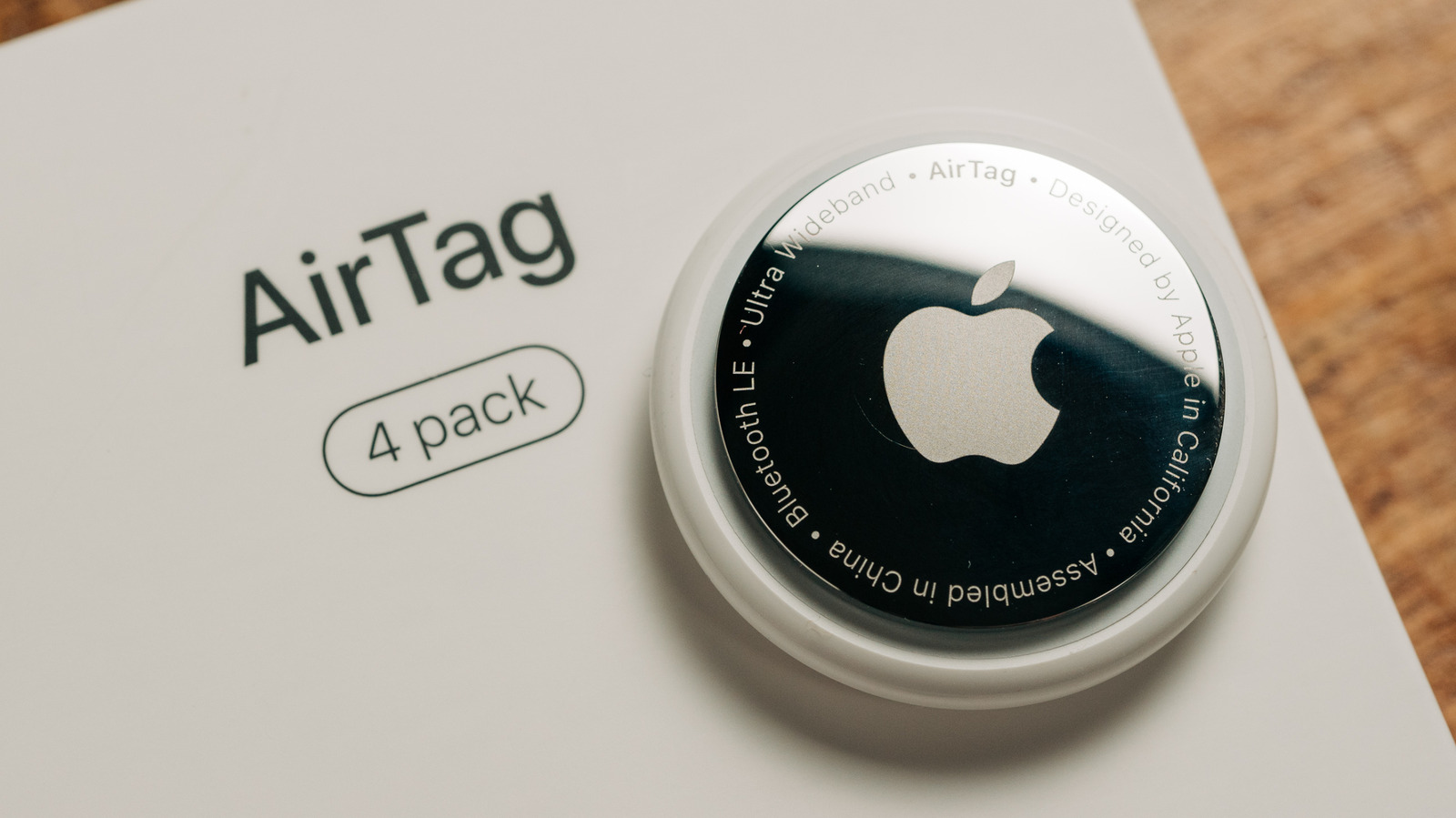
Your AirTag doesn't have an on/off switch because it's always sending its location via the nearest Apple device. However, certain types of use drain the battery faster, so avoiding them can help the battery last longer.
Repeatedly triggering the AirTag's sound alert is one of the actions that drains its battery quickly, since it requires the speaker to fire up all the time. Precision Finding also uses more power, as that enables the Ultra Wideband chip to communicate with your iPhone or Apple Watch in real time. The same goes for constantly opening Find My to check on a tag that's sitting in the next room. There's no problem using these features in typical situations — that's what an AirTag is designed for. But some people like to play around with these features just to see them in action, which can drain the battery faster.
This also applies when the battery is low. Depending on what you do with your AirTag on critical power, it can last a few days to weeks or even a month. If a battery becomes low during a trip and you can't replace it, try not to track or locate the tag unless absolutely necessary.
Using a good battery also helps your AirTag last longer. Generic CR2032 batteries tend to hold less charge, so choosing one from a well-known brand is recommended. Apple recommends the Duracell 2032 Lithium Coin Battery — just keep in mind that some bitterant-coated CR2032 batteries may not work in an AirTag. Temperatures can also affect how long the AirTag's battery lasts, so avoid placing them in extremely cold or hot places. Apple rates the AirTag to operate at temperatures between −4°F and 140°F (−20°C and 60°C), so throwing it in the trunk of a car isn't the best idea.
Also, an AirTag that's constantly moving tends to experience faster battery drain because it's always pinging its location. If the AirTag in your car runs out of battery before the one on your keychain, that's normal.
Repeatedly triggering the AirTag's sound alert is one of the actions that drains its battery quickly, since it requires the speaker to fire up all the time. Precision Finding also uses more power, as that enables the Ultra Wideband chip to communicate with your iPhone or Apple Watch in real time. The same goes for constantly opening Find My to check on a tag that's sitting in the next room. There's no problem using these features in typical situations — that's what an AirTag is designed for. But some people like to play around with these features just to see them in action, which can drain the battery faster.
This also applies when the battery is low. Depending on what you do with your AirTag on critical power, it can last a few days to weeks or even a month. If a battery becomes low during a trip and you can't replace it, try not to track or locate the tag unless absolutely necessary.
Using a good battery also helps your AirTag last longer. Generic CR2032 batteries tend to hold less charge, so choosing one from a well-known brand is recommended. Apple recommends the Duracell 2032 Lithium Coin Battery — just keep in mind that some bitterant-coated CR2032 batteries may not work in an AirTag. Temperatures can also affect how long the AirTag's battery lasts, so avoid placing them in extremely cold or hot places. Apple rates the AirTag to operate at temperatures between −4°F and 140°F (−20°C and 60°C), so throwing it in the trunk of a car isn't the best idea.
Also, an AirTag that's constantly moving tends to experience faster battery drain because it's always pinging its location. If the AirTag in your car runs out of battery before the one on your keychain, that's normal.