


Default
Door staff@engadget.com (Filipe Espósito) - 27 Oct 2026
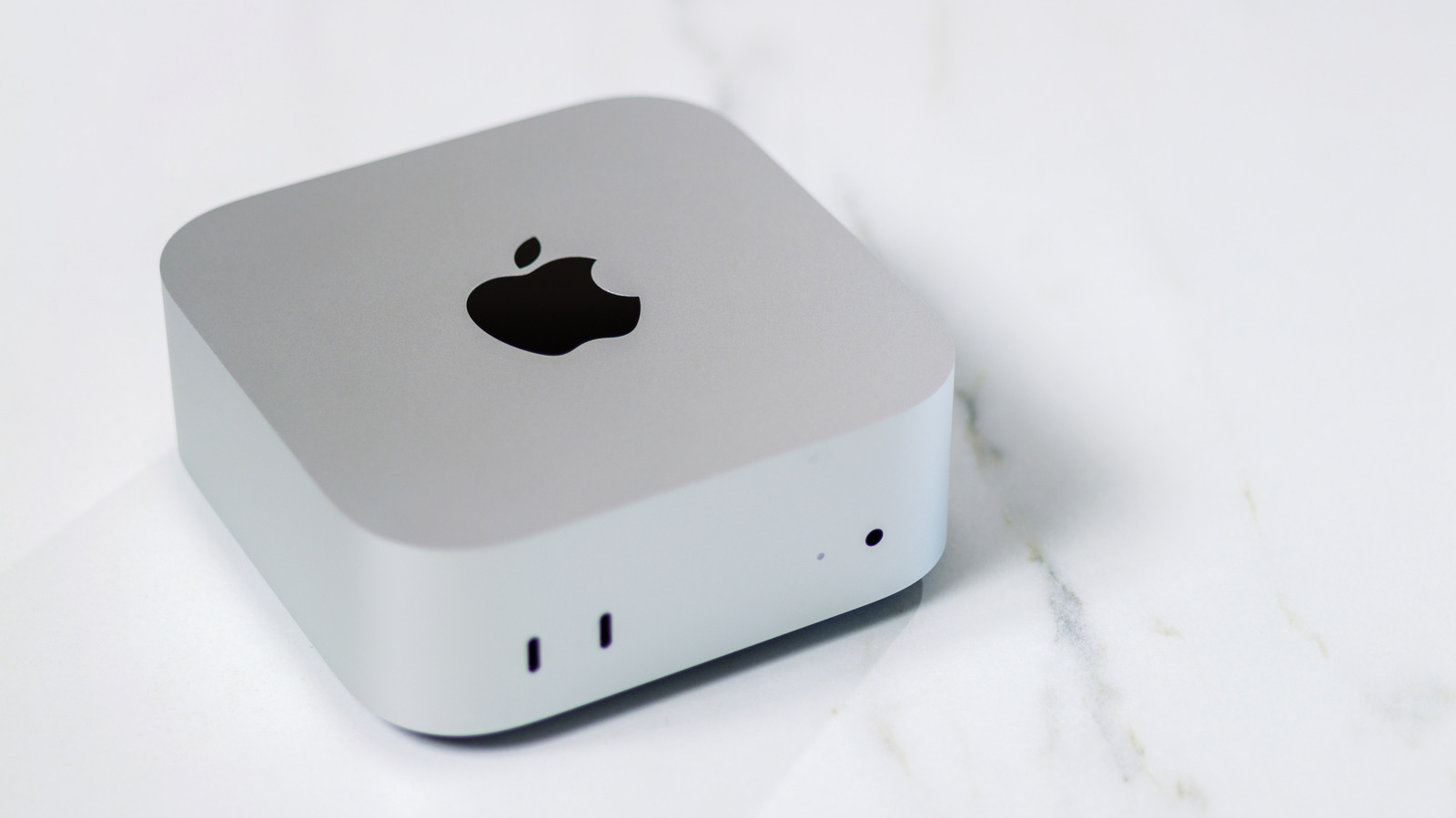
The Mac mini is Apple's smallest desktop computer. Unlike the all-in-one iMac, the Mac mini still follows a concept that Steve Jobs used to joke about: BYODKM, or "bring your own display, keyboard and mouse." There is no built-in display, nor are a keyboard and mouse are included in the box. The idea is to buy a small computer and then connect the peripherals you already have at home, helping you save some money.
The base model of the Mac mini starts at $899 — for that price, you get a Mac with the latest M6 chip and 16GB of RAM. It's more than enough to handle hardware-intensive apps like Final Cut Pro or Xcode, which makes it a good first Mac for those learning to edit video or how to code. But a faster chip isn't the only element that makes the Mac mini better than a MacBook Neo or Air. Unlike those laptops, the Mac mini has a cooling system with a fan. That helps the computer maintain sustained CPU and GPU performance for longer. In comparison, when a fanless MacBook gets hot, the system reduces its performance to prevent it from overheating.
Again, it all depends on what you plan to do with your computer. For light tasks like browsing the web or editing documents, it doesn't make much of a difference. But for 4K editing, compiling code or even playing some 3D games, having a cooling system makes the experience much better. Plus, the Mac mini offers more ports than any MacBook. It has multiple USB-C Thunderbolt ports plus Ethernet, HDMI and a headphone jack — perfect for a desktop setup.
The base model of the Mac mini starts at $899 — for that price, you get a Mac with the latest M6 chip and 16GB of RAM. It's more than enough to handle hardware-intensive apps like Final Cut Pro or Xcode, which makes it a good first Mac for those learning to edit video or how to code. But a faster chip isn't the only element that makes the Mac mini better than a MacBook Neo or Air. Unlike those laptops, the Mac mini has a cooling system with a fan. That helps the computer maintain sustained CPU and GPU performance for longer. In comparison, when a fanless MacBook gets hot, the system reduces its performance to prevent it from overheating.
Again, it all depends on what you plan to do with your computer. For light tasks like browsing the web or editing documents, it doesn't make much of a difference. But for 4K editing, compiling code or even playing some 3D games, having a cooling system makes the experience much better. Plus, the Mac mini offers more ports than any MacBook. It has multiple USB-C Thunderbolt ports plus Ethernet, HDMI and a headphone jack — perfect for a desktop setup.