


Default
Door staff@engadget.com (Filipe Espósito) - 15 Nov 2026
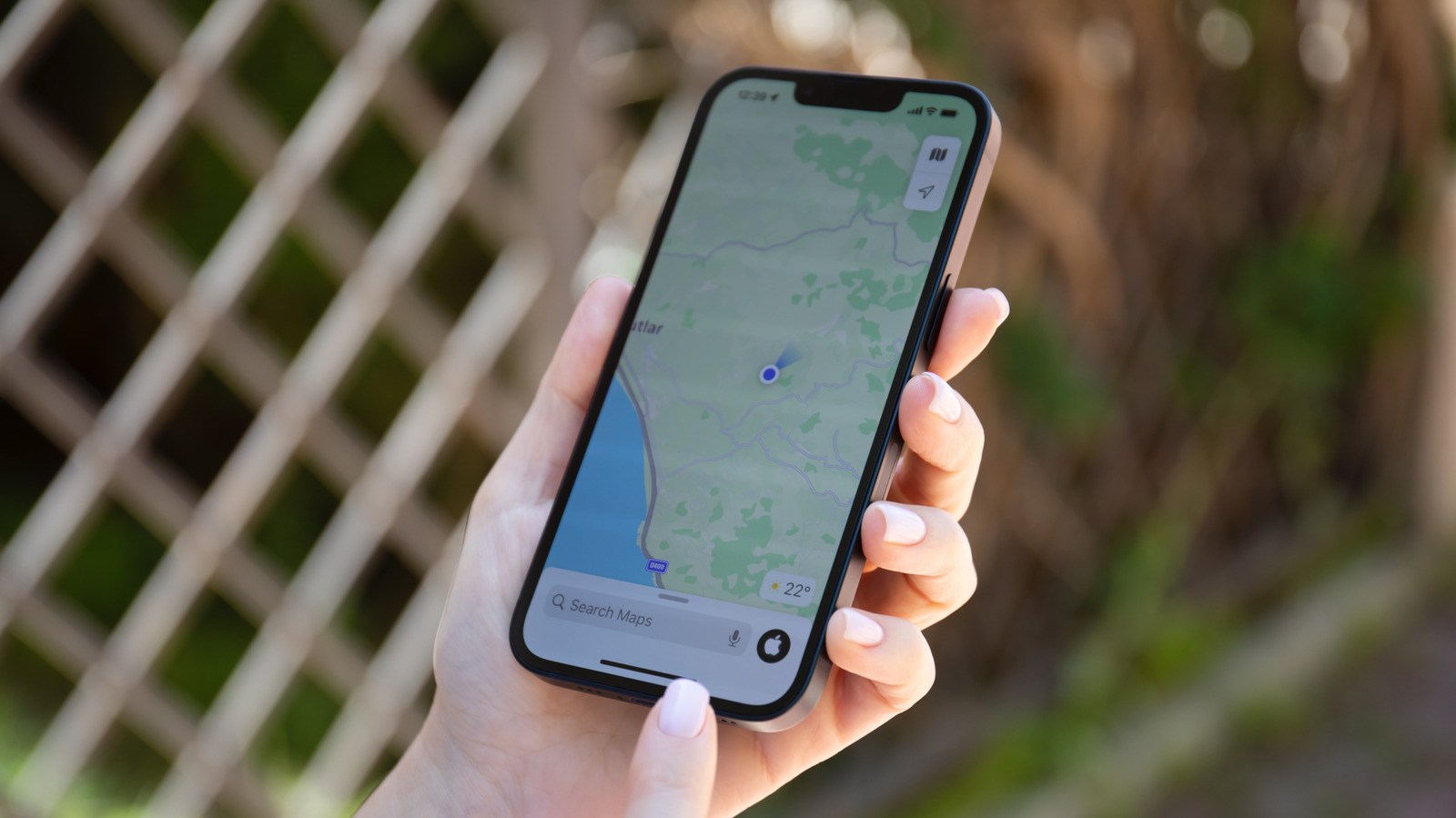
Frequent travelers often end up in areas without Wi-Fi or cell service, which makes navigation trickier. The good news is that Apple Maps lets you download entire regions for offline use, and it's super easy. Open Apple Maps on your iPhone and tap your profile picture next to the search bar, then select Offline Maps. Choose the area you want to download, and it'll save the map to your device, including infomation like place ratings, estimated arrival times and turn-by-turn directions. There's also an Only Use Offline Maps toggle for when you're on a limited data plan.
You can also easily write notes about places you've visited. Open any location in the Apple Maps app and tap the three-dot button. Tap Add a Note in the menu that appears. Apple says that your notes are kept private, so other Apple Maps users won't see them. You can find your notes every time you open that location on the map again.
Visited Places is also worth trying if you tend to forget the names of places you've been to. With this feature on, Apple Maps automatically remembers the places you've visited. In Maps, look for Visited Places under the Places section. You can store your visited places for three months, one year or forever. Unfortunately, this feature isn't available worldwide, but you can check whether you have it by going to Settings > Apps > Maps. Go to Location Services and turn on the Visited Places toggle.
You can also easily write notes about places you've visited. Open any location in the Apple Maps app and tap the three-dot button. Tap Add a Note in the menu that appears. Apple says that your notes are kept private, so other Apple Maps users won't see them. You can find your notes every time you open that location on the map again.
Visited Places is also worth trying if you tend to forget the names of places you've been to. With this feature on, Apple Maps automatically remembers the places you've visited. In Maps, look for Visited Places under the Places section. You can store your visited places for three months, one year or forever. Unfortunately, this feature isn't available worldwide, but you can check whether you have it by going to Settings > Apps > Maps. Go to Location Services and turn on the Visited Places toggle.