


Default
Door staff@engadget.com (Filipe Espósito) - 28 Nov 2026
Since the bug appears to be caused by iOS and not apps, updating Google Maps or Waze probably won't help — nor will reinstalling the apps or re-pairing your car. Those solutions only work when the apps aren't showing up in CarPlay at all, so if that's the case, go to Settings > General > CarPlay on your iPhone. Choose your car from the list, tap Customize and make sure the apps you want are enabled; otherwise, they won't appear on your car's display.
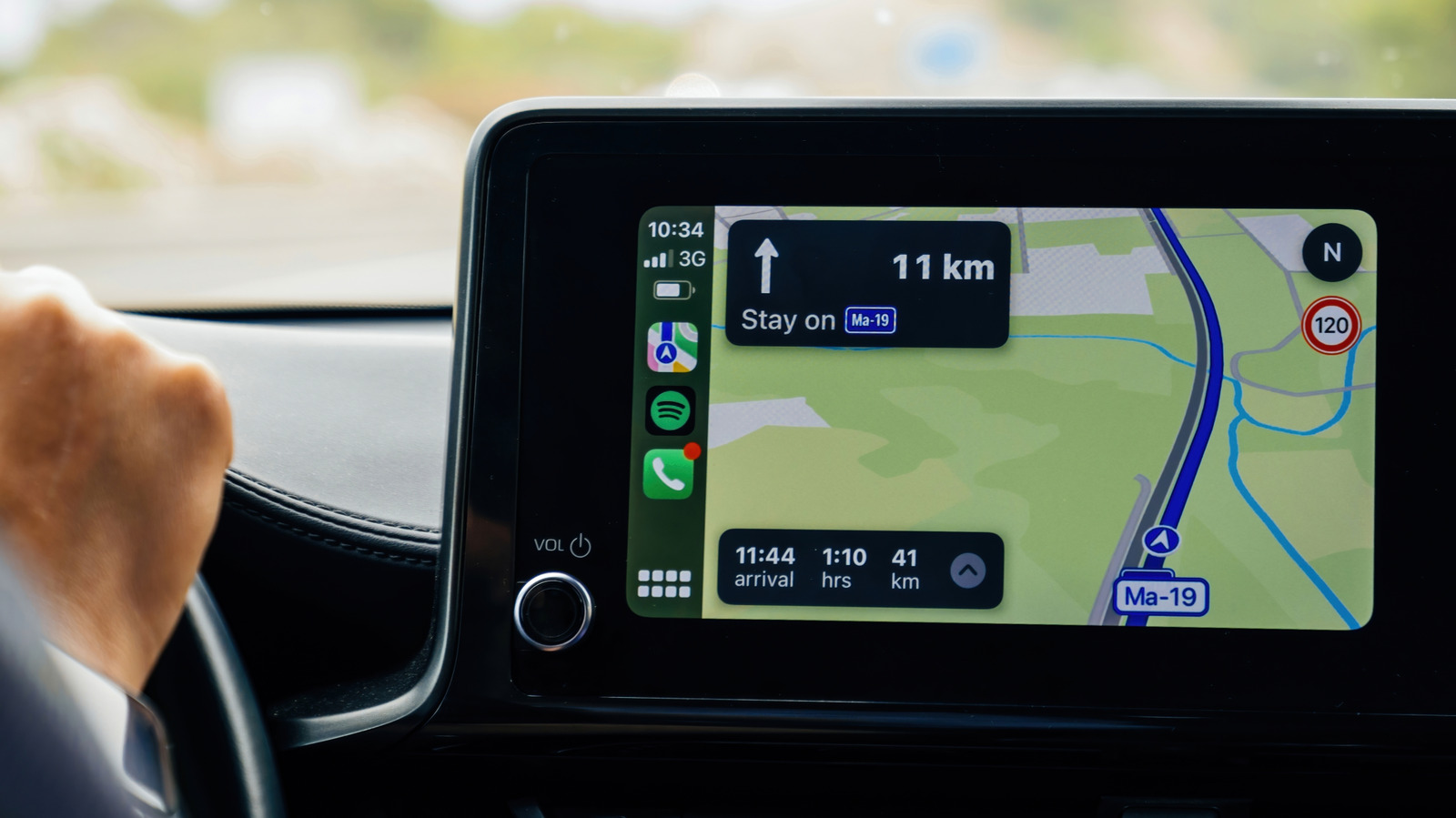
That said, there is one CarPlay setting worth changing. Open the Settings app on your CarPlay screen, then go to Display and turn off Smart Display Zoom. It doesn't seem to work for all vehicles, but some folks have said that changing this setting made the banners on the screen smaller. It's not a permanent fix, but it should help until Apple fixes the bug — which still seems to be present in the first iOS 27.3 beta available to developers.
Since some Apple engineers have already publicly acknowledged the bug on the company's discussion forums, it's likely that a fix isn't too far off. Until then, it's best to rely on voice guidance for navigation, or even use your phone's screen instead of CarPlay. Or give Apple Maps a try in the meantime — it might be better than you expect.