


Default
Door staff@engadget.com (Filipe Espósito) - 28 Nov 2026
For some time, Siri was the only voice assistant allowed in CarPlay, and it became known for not working very well. That changed a lot this year with iOS 27 and Siri AI, which is also available in CarPlay if you have an Apple Intelligence-compatible iPhone.
Thankfully, Siri AI has proven to be much better than the old Siri, and it's especially useful in CarPlay for information like getting directions to an address someone sent or playing a song a friend suggested. You can use Siri AI in CarPlay by pressing and holding the Home button on the CarPlay screen or saying "Hey Siri" in supported vehicles.
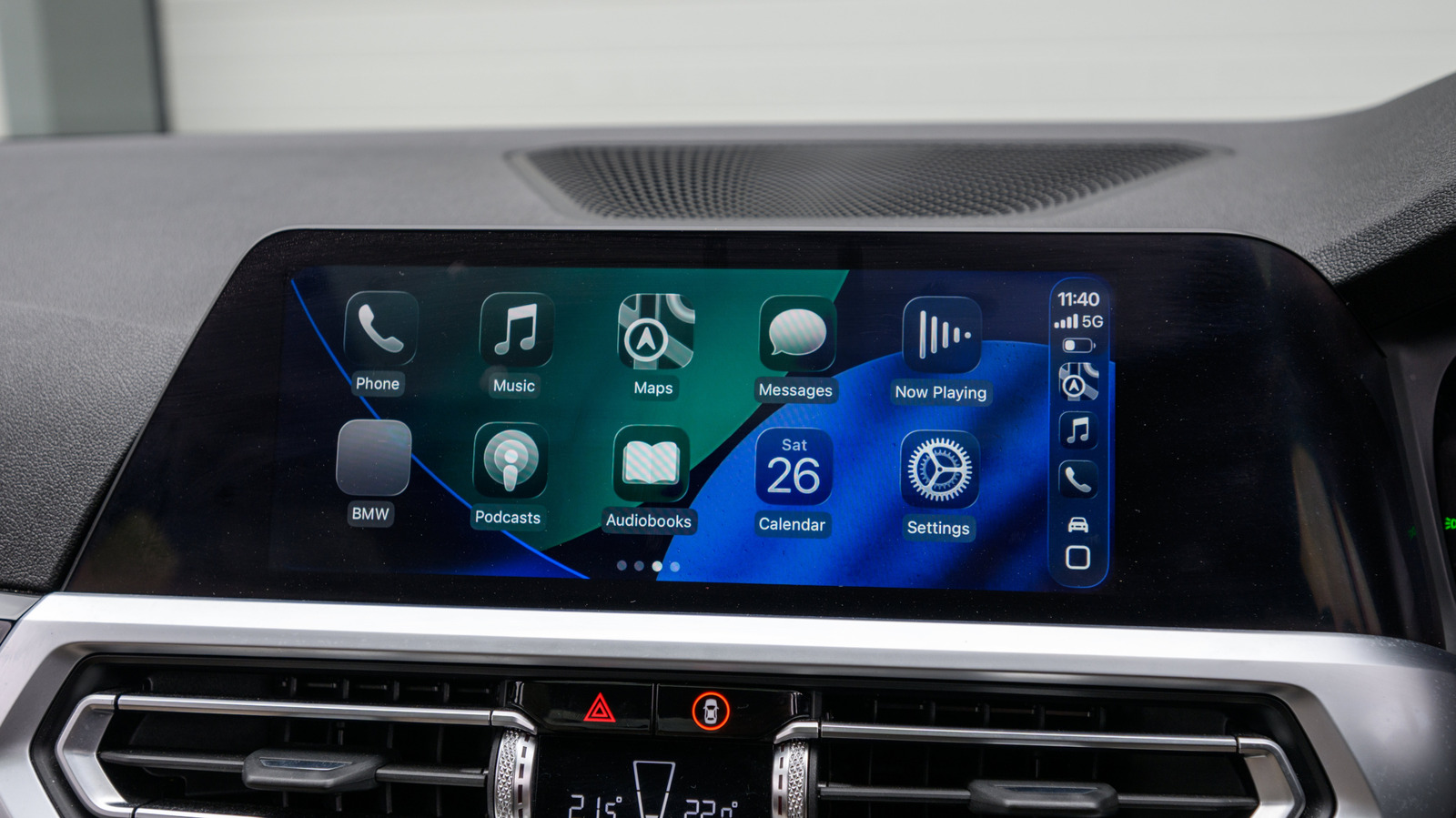
But maybe you're still not a big fan of Siri AI or you want to use a different assistant in your car. Starting with iOS 26.4 (and improved with iOS 27), you can finally do so, as Apple now allows other AI assistant apps in CarPlay. They mirror the AI apps you already have on your phone, like ChatGPT and Gemini, and should appear on your CarPlay Home Screen automatically. Using them is as easy as tapping the icon for the AI assistant you want to interact with — AI apps in CarPlay are voice-only, so you can't type or enter commands like on your phone.
That said, AI assistant apps for CarPlay still have some limitations. They can't control other apps, so there's no way to use them to play songs or make calls. They also can't be set as your default voice assistant, so Siri will still be triggered when you press the voice command button on your car's steering wheel. Still, it's nice to have the option to switch to another assistant.