


Default
Door staff@engadget.com (Courtney Holt) - 04 Oct 2026
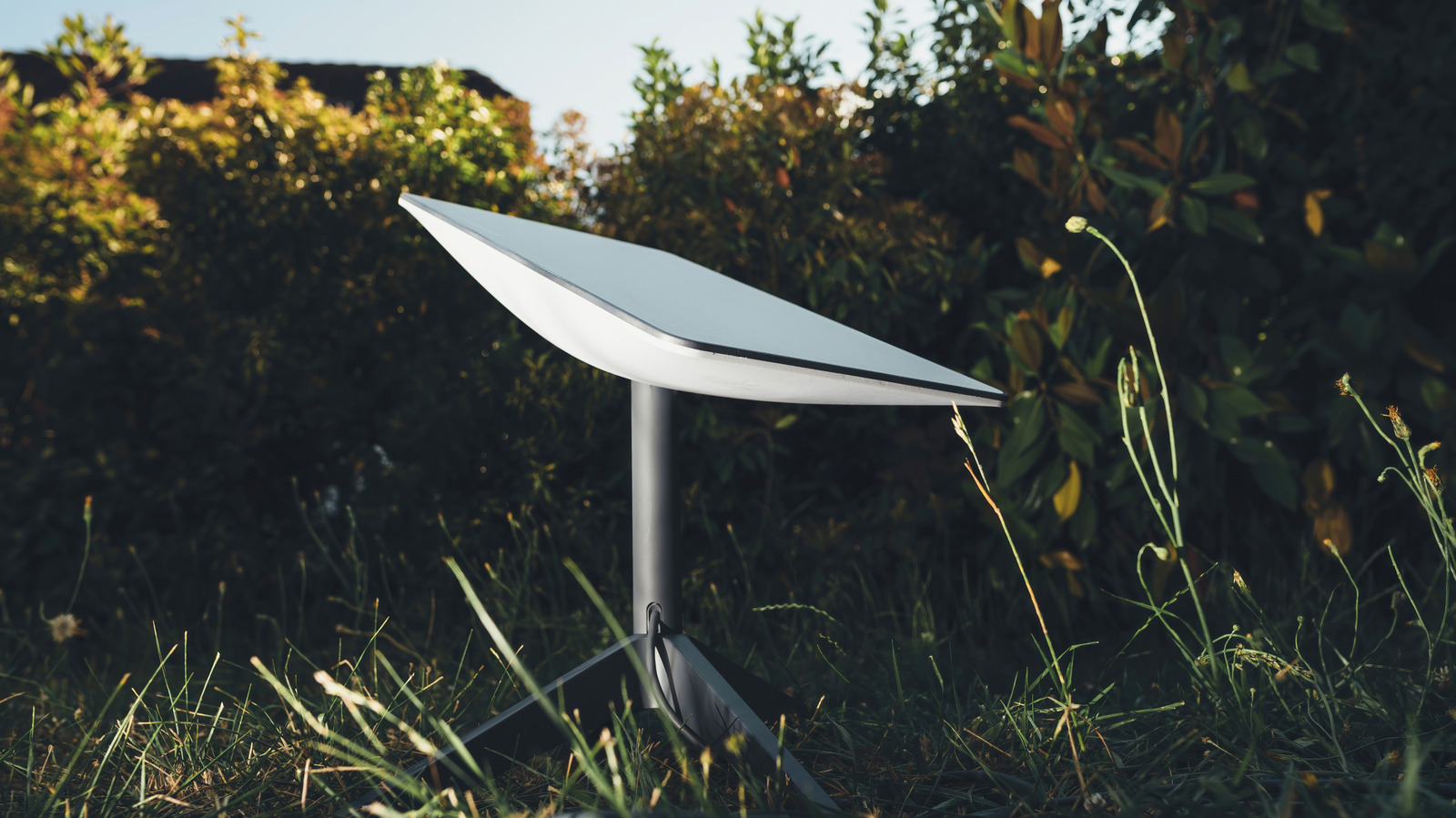
The right Starlink dish doesn't depend so much on which one has the most impressive specs, but more on where and how you plan to use it. For most people who need internet at home, the V4 or V5 are the best places to start. The V4 is the more established residential option, while the V5 is smaller, lighter and more power-efficient. Starlink currently lists the V5 as available only in select areas.
The Mini is the better choice if portability is your priority. It's considerably smaller and lighter than the standard residential hardware, and it can be used both at home and on the go.
For business users, the Enterprise kit offers more flexibility for fixed-site installations and custom networking setups. Meanwhile, the Performance (Gen 2) and Performance (Gen 3) dishes are made for more demanding environments and mobility applications. The Gen 2's wider field of view helps it maintain a connection in mobile applications, while the newer Gen 3 offers stronger environmental protection and support for both AC and DC power.
Cost isn't just about the price of the hardware. Both Standard kits and the Mini kit come with a kickstand for basic setup, so you don't necessarily need to buy a separate mount or pay for professional installation. The Mini also includes a pipe adapter and flat mount, while Starlink offers additional mounts for both kits if you need to install the dish on a roof, wall or other permanent location. Professional installation is available for more complicated setups, but Starlink says its hardware is designed for self-installation.
It's also worth checking which hardware is actually available in your area before you buy. Starlink's lineup continues to change, and availability can vary by location.
The Mini is the better choice if portability is your priority. It's considerably smaller and lighter than the standard residential hardware, and it can be used both at home and on the go.
For business users, the Enterprise kit offers more flexibility for fixed-site installations and custom networking setups. Meanwhile, the Performance (Gen 2) and Performance (Gen 3) dishes are made for more demanding environments and mobility applications. The Gen 2's wider field of view helps it maintain a connection in mobile applications, while the newer Gen 3 offers stronger environmental protection and support for both AC and DC power.
Cost isn't just about the price of the hardware. Both Standard kits and the Mini kit come with a kickstand for basic setup, so you don't necessarily need to buy a separate mount or pay for professional installation. The Mini also includes a pipe adapter and flat mount, while Starlink offers additional mounts for both kits if you need to install the dish on a roof, wall or other permanent location. Professional installation is available for more complicated setups, but Starlink says its hardware is designed for self-installation.
It's also worth checking which hardware is actually available in your area before you buy. Starlink's lineup continues to change, and availability can vary by location.