


Default
Door staff@engadget.com (Roger Fingas) - 04 Oct 2026
PC audio technology is no longer an afterthought, as it was in the '80s. It's taken for granted that anyone unboxing a Windows PC — or a Mac or Linux machine, for that matter — will be playing music, games or video almost immediately. That means integrating the necessary hardware for processing inputs, outputs and codecs. There are a variety of ways you can achieve that, but advancements in die sizes and chip design in general mean that what once required an entire card can be compressed into a single chip on your motherboard. If you've ever seen a mysterious Realtek Audio reference in the Windows Device Manager, that's the sort of chip we're talking about. Other chipmakers exist, but Realtek is surprisingly commonplace on Windows PCs.
Sound cards also used to be vital for microphone inputs and 3.5mm speaker outputs, but no more. Those have also been integrated into motherboards, and in many circumstances, they've become irrelevant. High-quality audio (including lossless) can easily be delivered over USB 3.x, DisplayPort, Wi-Fi or HDMI. When more compression and a little lag are acceptable, there's Bluetooth. A 24-bit, 192kHz Dolby Atmos stream in Dolby TrueHD lossless only consumes about 18 Mbps, a fraction of the 5 Gbps bandwidth USB 3.0 is capable of, never mind USB4 or Wi-Fi 7.
As if this weren't enough, there are business- and design-related incentives to move audio hardware out of your PC case. Number one is space. Laptops and handheld PCs obviously have little room to begin with, especially with never-ending competition to make devices thinner and lighter. In desktop tower PCs, much of the case may already be filled by a gigantic graphics card and its cooling systems. Any redundant cards are just going to increase power consumption and restrict airflow.
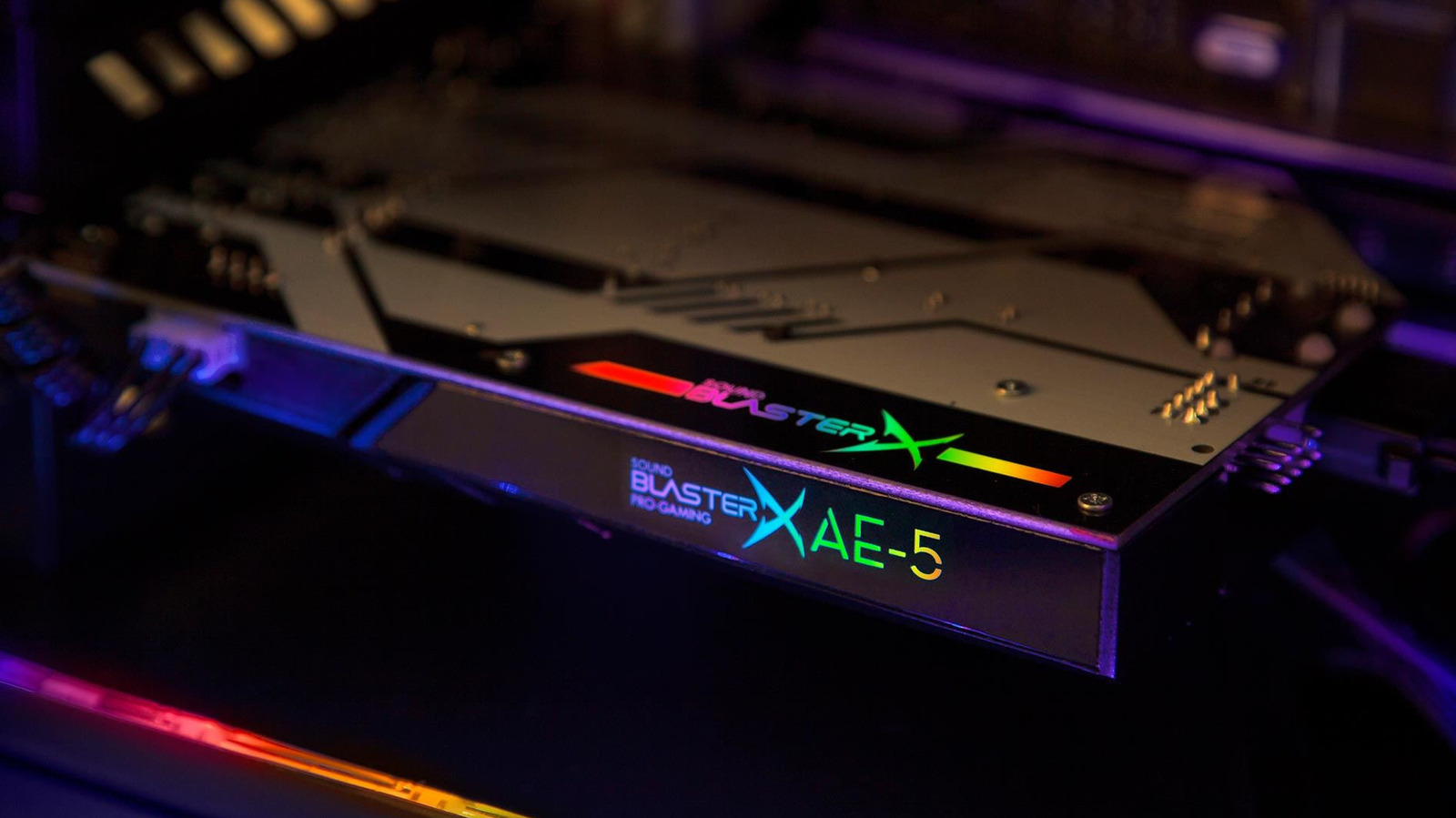
For professional audio, the inside of a PC is also a relatively unfriendly place, since all of the surrounding components can potentially introduce signal interference. It is possible to provide enough shielding, as the continued sale of internal sound cards points to. But for optimal results and more convenient interfaces, it's just logical to keep most pro sound gear out on your desk.
Sound cards also used to be vital for microphone inputs and 3.5mm speaker outputs, but no more. Those have also been integrated into motherboards, and in many circumstances, they've become irrelevant. High-quality audio (including lossless) can easily be delivered over USB 3.x, DisplayPort, Wi-Fi or HDMI. When more compression and a little lag are acceptable, there's Bluetooth. A 24-bit, 192kHz Dolby Atmos stream in Dolby TrueHD lossless only consumes about 18 Mbps, a fraction of the 5 Gbps bandwidth USB 3.0 is capable of, never mind USB4 or Wi-Fi 7.
As if this weren't enough, there are business- and design-related incentives to move audio hardware out of your PC case. Number one is space. Laptops and handheld PCs obviously have little room to begin with, especially with never-ending competition to make devices thinner and lighter. In desktop tower PCs, much of the case may already be filled by a gigantic graphics card and its cooling systems. Any redundant cards are just going to increase power consumption and restrict airflow.
For professional audio, the inside of a PC is also a relatively unfriendly place, since all of the surrounding components can potentially introduce signal interference. It is possible to provide enough shielding, as the continued sale of internal sound cards points to. But for optimal results and more convenient interfaces, it's just logical to keep most pro sound gear out on your desk.