


Default
Door staff@engadget.com (Roger Fingas) - 25 Oct 2026
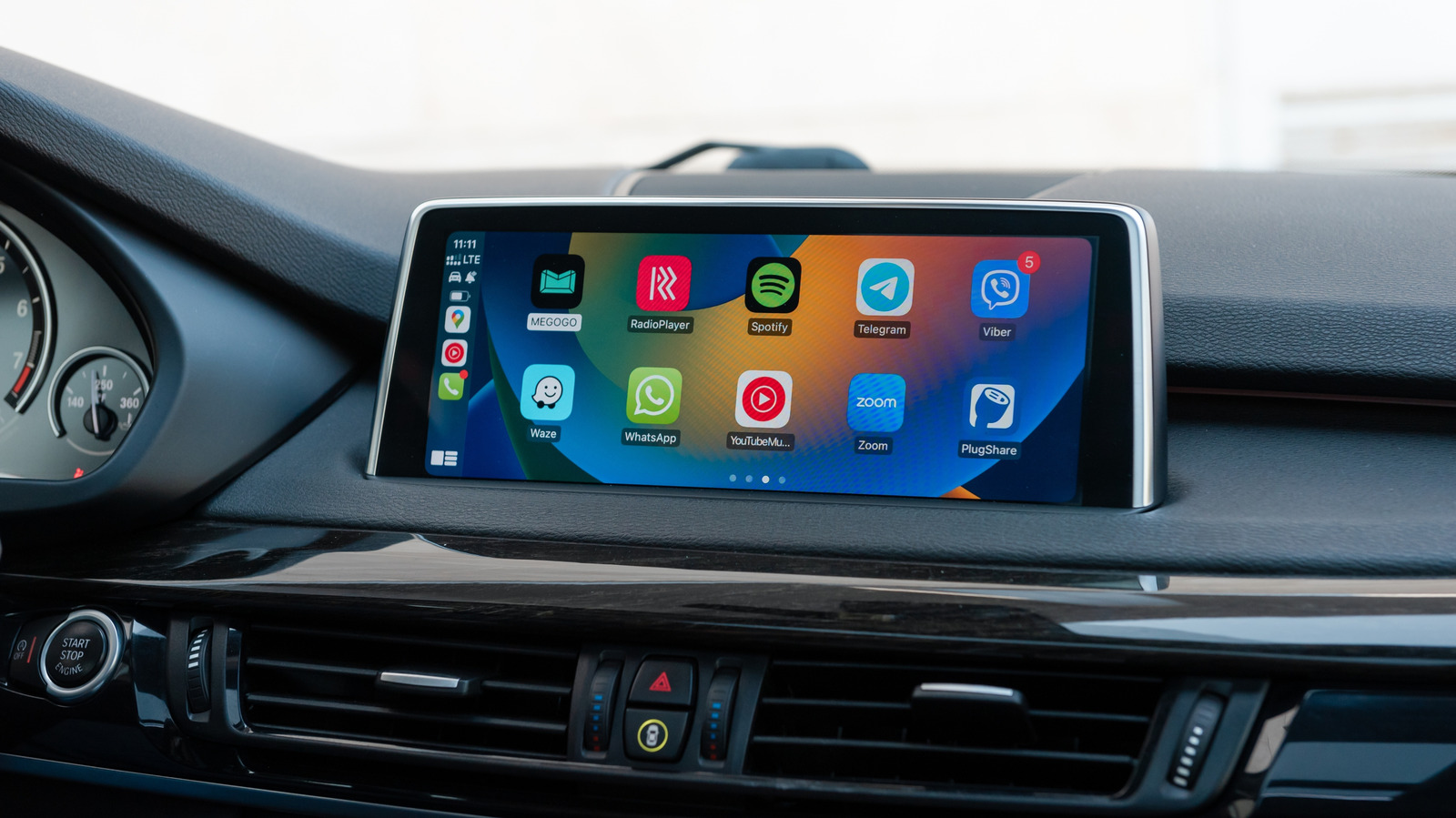
As it turns out, Apple uses the bell icon to signal that Siri is automatically announcing incoming messages, whether from first- or third-party apps. This can be useful for keeping up with conversations without having to ask Siri yourself or check apps on your phone later once parked. At the same time, it can be annoying for noisy group chats, or when Siri repeatedly interrupts your music or podcasts. And when you're driving with passengers, they probably don't need to know what's going on in your Messages or WhatsApp conversations.
To adjust this feature, grab your iPhone and navigate to Settings > Notifications > Announce Notifications > CarPlay. When the general Announce Messages toggle is on, you'll find three additional options below. Remember Previous Setting is the default, but you can also force CarPlay to Announce or Silence incoming messages whenever it runs.
If you haven't already, you should also select which apps you want to allow announcements for under the Settings > Notifications > Announce Notifications menu. It's wise to limit announcements to apps without group chats, if possible. You'll want to know right away if your spouse will be late, but group chats are often full of trivial conversations that don't involve you. Disable announcements for other apps whose notifications don't matter while driving, like shopping and food apps.
You're driving a multi-ton death machine — the freer your mind is to focus on the road, the better.
To adjust this feature, grab your iPhone and navigate to Settings > Notifications > Announce Notifications > CarPlay. When the general Announce Messages toggle is on, you'll find three additional options below. Remember Previous Setting is the default, but you can also force CarPlay to Announce or Silence incoming messages whenever it runs.
If you haven't already, you should also select which apps you want to allow announcements for under the Settings > Notifications > Announce Notifications menu. It's wise to limit announcements to apps without group chats, if possible. You'll want to know right away if your spouse will be late, but group chats are often full of trivial conversations that don't involve you. Disable announcements for other apps whose notifications don't matter while driving, like shopping and food apps.
You're driving a multi-ton death machine — the freer your mind is to focus on the road, the better.